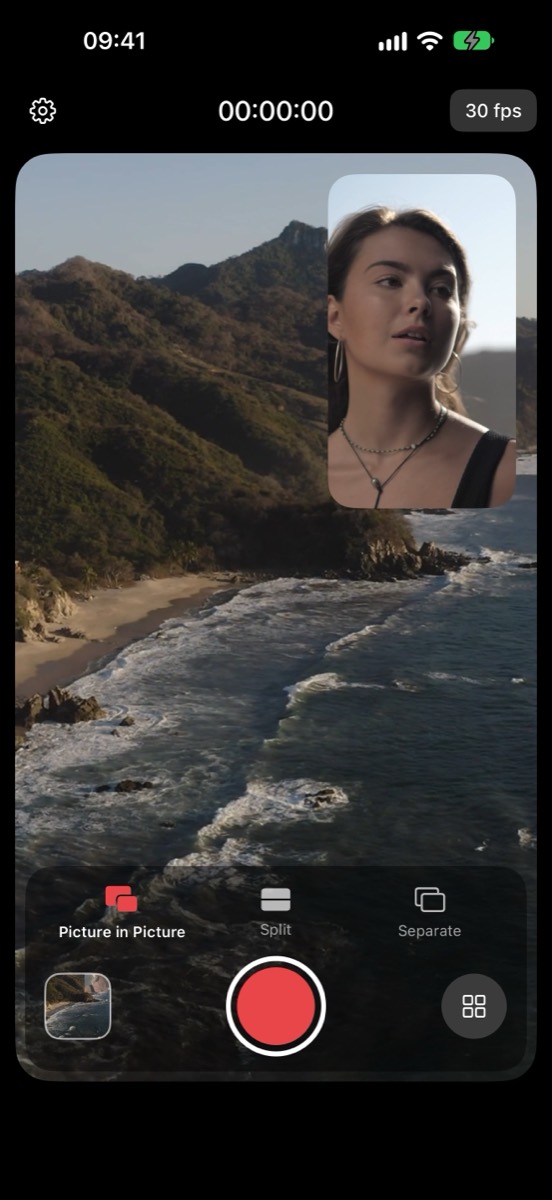
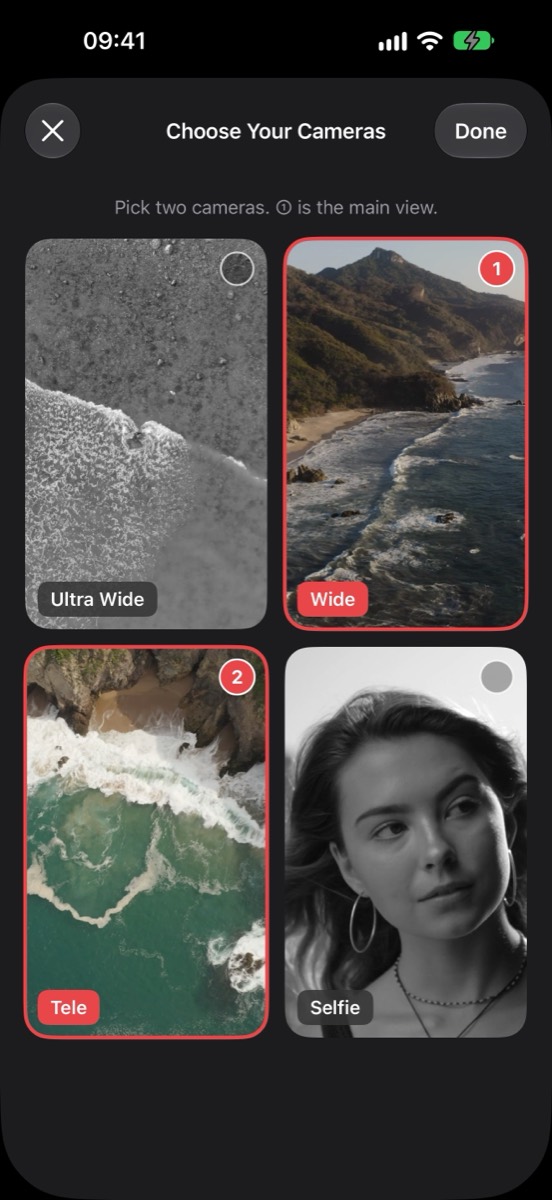
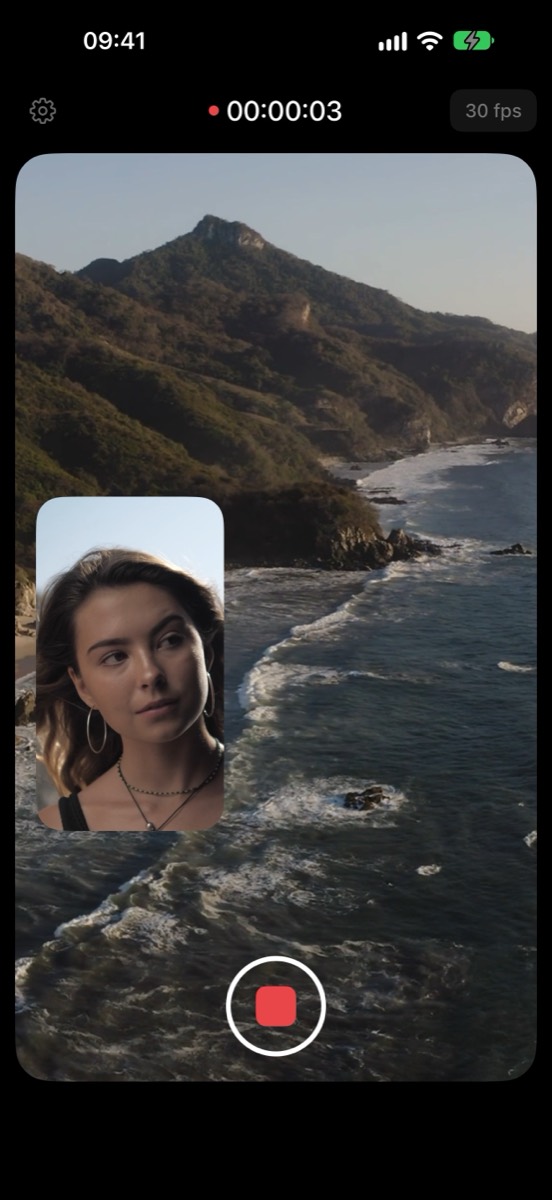
Twinly records with two iPhone cameras at the same time — the moment in front of you and your reaction, in one take. Point the back camera at the scene and the front camera at yourself, or pick another supported pair such as Ultra Wide + Telephoto.
Three ways to record
- Picture in Picture — one camera fills the frame, the other sits in a small window. Drag it to any corner or tap to swap.
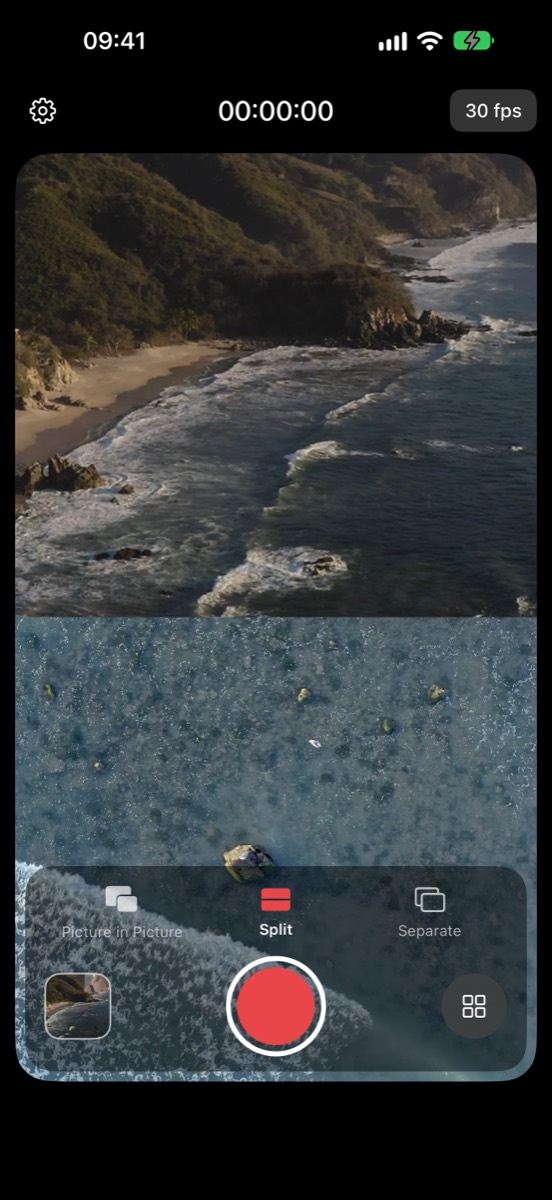
- Split — top and bottom in one vertical 9:16 video, ready to post to Reels, TikTok, or Shorts.
- Separate (Pro) — each camera is saved as its own video file, so you can edit both angles however you like.
Made for shooting
- A live preview while you choose your cameras.
- While recording, only the record button stays on screen — nothing blocks your shot.
- 1080p video with sound at 30 fps, or 60 fps with Pro on supported camera pairs.
- Tap to focus. Save to Photos automatically, or share right away.
What people use it for
- Reaction videos — what you see and how you react, perfectly in sync.
- Vlogs and travel — film the view and talk about it at the same time.
- Tutorials and unboxings — show your hands and your face in one take.
- Family moments — the kids on stage and the grandparents watching them.
Free and Pro
Picture in Picture and Split are free, with clips up to 30 seconds at 30 fps. Twinly Pro removes the length limit and adds Separate mode and 60 fps. Pro is an auto-renewable subscription, billed weekly or yearly; the yearly plan includes a 1-week free trial for eligible new subscribers.
Compatibility
Requires iPhone XS, iPhone XR, or later, running iOS 17 or later. The camera pairs you can choose and 60 fps support depend on your iPhone model.