
Snagly is for people who walk a site and have to write it up afterwards — property inspections, snag and punch lists, maintenance checks, and handovers. Record each issue with photos, mark up what matters, and share a report the recipient can open without installing anything.
Record issues on site
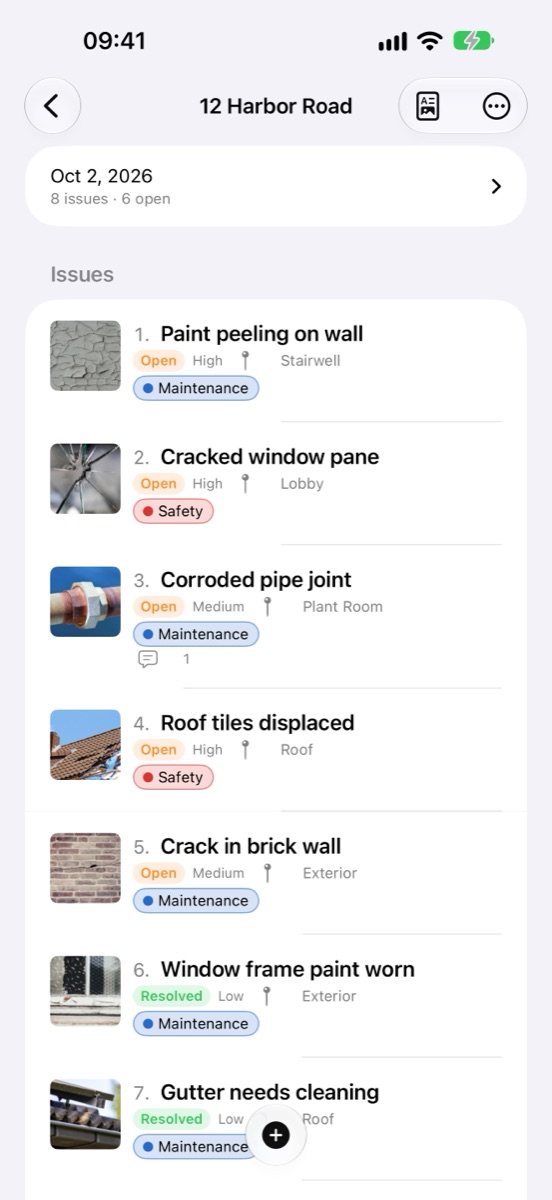
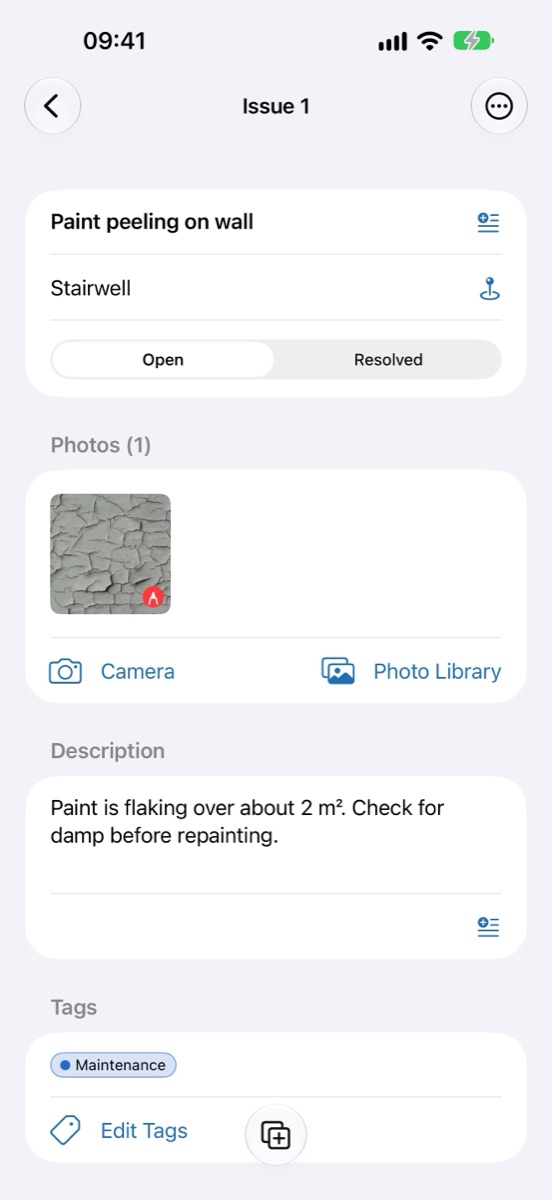
- Issues with the details you need — title, location, description, status, priority and due date, plus optional assignee, reference and reviewer.
- Photos from the camera or your library — several per issue, in the order you choose. Create a batch of issues straight from a set of photos.
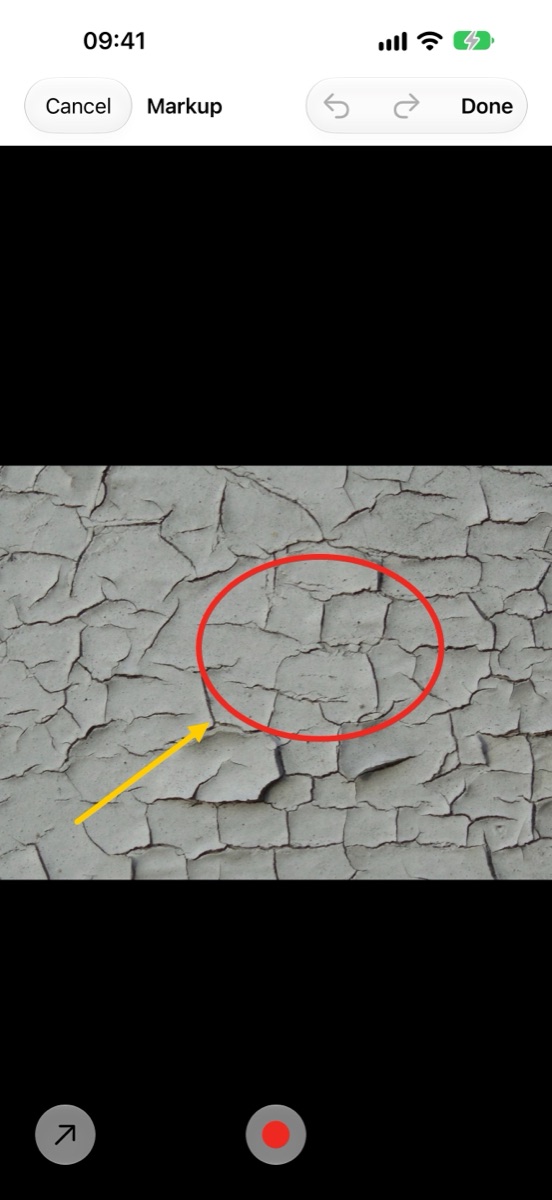
- Markup — arrows, circles, rectangles, text and freehand pen, with colors, line widths, undo and redo. Your original photo is never changed.
- Fast entry — “Save & Add Next” keeps the location, and edits are saved automatically as you type.
- Comments — a dated timeline on each issue, kept separate from the description.
Keep a long list in order
- Search issues and comments, and filter by location, status, priority, assignee or tag.
- Sort by date, title, location, priority or due date, or drag issues into your own order.
- Change the status of several issues at once, or move and copy issues between projects.
- Archive finished projects and duplicate a project for the next inspection.
Reports people can read
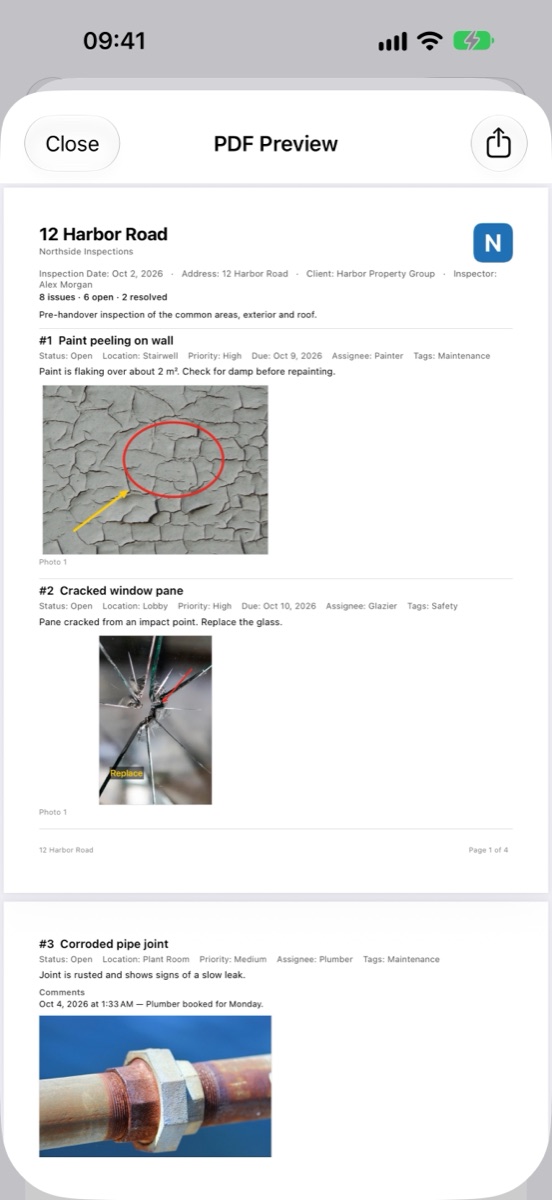
- PDF in three layouts — Standard, Compact, or Large Photos — with an optional cover page, your company name and logo, preface and closing notes, and a hand-drawn signature. A4 or US Letter.
- Excel (XLSX) with one row per issue and the photos embedded, or CSV for data only.
- Export every issue or just the current search and filter results. Choose which fields appear; empty fields are left out.
- Preview the actual PDF before you share or save it.
Reuse your work
- Templates — start a new inspection from a prepared list of issues.
- Common phrases — insert wording you use often into a title or description.
- Backup and restore — export a single project or everything to a file you keep wherever you like.
Offline and private
Snagly works without a signal and without an account. Projects, photos and reports are stored on your device and are only shared when you share them.
Free and unlocked
The free version includes every feature for one project. A single one-time purchase unlocks unlimited projects. No subscription.
Languages
English, 简体中文, 繁體中文, 日本語, 한국어, Deutsch, Français, Español, Português (Brasil), Italiano, Nederlands, Polski, Türkçe, Bahasa Indonesia, ไทย and Tiếng Việt. The app and its reports follow your device language; dates follow your region. What you type is never translated.